
The Canadian television market is full of numbers, technologies, and acronyms that don’t automatically mean you’re getting a better viewing experience. While all of these things can sound amazing on the page, the way they translate to better watching and gaming isn’t always obvious. Here, we’re looking at some of the best televisions in Canada of all sizes, with emphasis on how they actually perform. If the way your media looks and sounds matters more to you than fancy technological terms, this is the place to find your next TV.
What We Looked For
For this guide, we looked beyond the spec lists to find TVs that actually improved your experience. The best televisions in Canada aren’t defined by their myriad of image processing features, but by how the media actually looks and feels when it reaches you. That’s why we’ve emphasized things like refresh rate, access to apps, and colour profile to allow you to find a TV that works for your preferred viewing.
Best Televisions in Canada: Our Best Gift Picks
- FPD 40-Inch Smart TV
- Amazon Fire TV 43″ 4-Series 4K UHD Smart TV
- Philips Roku TV 32″ FHD
- LG 55-Inch UA7000 Series 4K Smart TV
- Samsung 55-Inch QLED Q7F 4K Smart TV
Best overall television in Canada: FPD 40-Inch Smart TV
Pros:
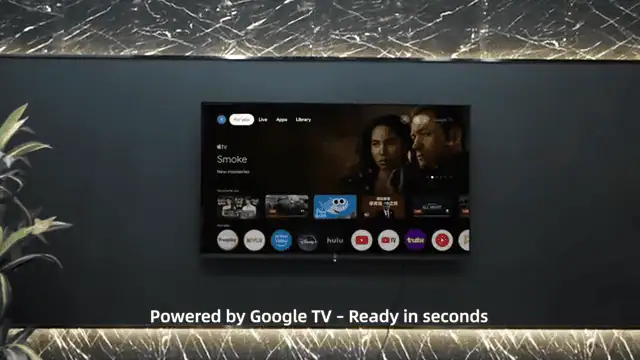
- Google TV Smart OS with broad app access
- Built-in Chromecast for direct casting
- Dolby Audio with dual 6W speakers
- Full HD 1080p resolution with HDR10 support
Cons:
- Does not have 4K resolution options
The Details:
- Size Options: 40″, 50″, 58″, 65″
- Resolution: 1080p
- Refresh Rate: 60 Hz
- Connectivity: Bluetooth, HDMI, RF, USB, Wi-Fi
- Dimensions: 17.2 x 89.3 x 53.3 cm
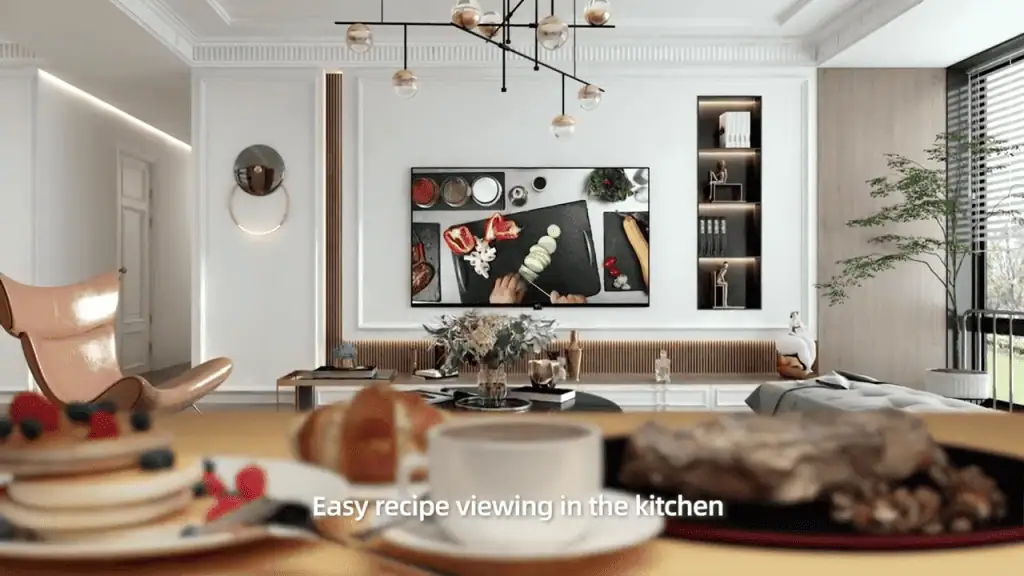
A 40-inch display continues to suit bedrooms, dorms, and smaller apartments where screen size needs to stay modest. This FPD Smart TV combines that compact footprint with Google TV, giving access to major streaming platforms and live content without adding a separate streaming device. It keeps the setup uncomplicated while covering modern smart features.
The Full HD panel works with HDR10 to improve highlight detail and contrast compared to standard HD. While it does not reach 4K resolution, image clarity is appropriate for the screen size, and colours appear natural across everyday streaming and broadcast content. Built-in Chromecast simplifies casting from phones or laptops, reducing cable clutter.
The Google TV interface will feel familiar to users already in the Google ecosystem. The included voice remote allows quick searches, input switching, and volume adjustments through Google Assistant. Two HDMI ports, two USB ports, LAN, Bluetooth 5, and Wi-Fi 5 provide flexibility for consoles, soundbars, or external storage devices.
A 60 Hz refresh rate handles regular programming and casual gaming comfortably but does not support high-frame-rate console play. For smaller rooms or secondary setups, however, the combination of smart access, HDR support, and manageable size makes it a practical option.
Our Expert Opinion: “The FPD 40-Inch Smart TV uses Google TV integration and voice control for accessibility. This TV is easy to use, and offers a simple streaming experience. Though it doesn’t have 4K resolution, it competes fairly well against other Full HD TVs.”
Customers Are Saying: “This is a budget-oriented TV, so I didn’t expect it to be so good. I’ve had it for almost a year now and it still sounds and looks great.”
Who is the FPD 40-Inch Smart TV for?
- Canadians who already use Google services. This TV integrates well with existing Google Home services.
- Those with limited space. This is a smaller TV, so it’s best suited for dorms, bedrooms, and other limited spaces.
- Viewers who are focused on streaming and broadcasting rather than gaming. If you love
Who should avoid the FPD 40-Inch Smart TV?
- Console gamers. If you want a TV that is better suited for gaming, you should look for one with a higher refresh rate.
Instead, choose… the Philips Roku 32″ FHD.
The Philips Roku 32″ FHD has a simple smart interface that might do better with your streaming options. The clean Roku layout is intuitive, but it also has a smaller screen and is suited for smaller rooms overall.
Features Breakdown
- Size Options: 40″, 50″, 58″, 65″
- Resolution: 1080p
- Refresh Rate: 60 Hz
- Connectivity: Bluetooth, HDMI, RF, USB, Wi-Fi
- Dimensions: 17.2 x 89.3 x 53.3 cm
- Aspect Ratio: 16:9
- Special Feature: Google Cast
- Mounting Type: Table Mount
Best Fire television in Canada: Amazon Fire TV 43″ 4-Series 4K UHD Smart TV
Pros:
- Slim bezel design for a fully look
- Enhanced Alexa Voice Remote with voice search and shortcut buttons
- Expansive Fire TV platform
- AirPlay compatibility for supported devices
Cons:
- Full experience depends on compatible devices and subscriptions
The Details:
- Size Options: 43″, 55″
- Resolution: 4K
- Refresh Rate: 60 Hz
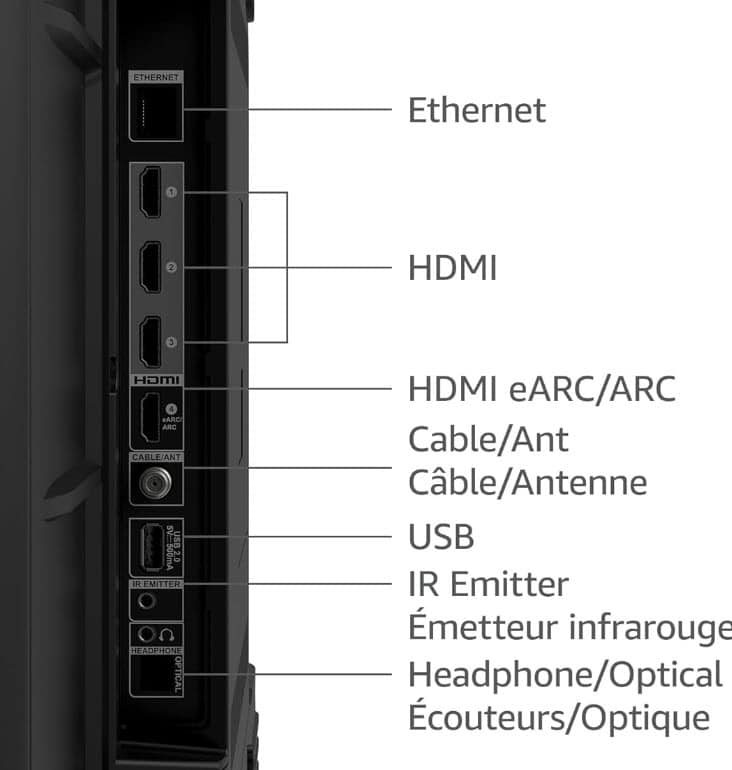
- Connectivity: HDMI, Ethernet, USB
- Dimensions: 96.5 x 56.6 x 9.1 cm
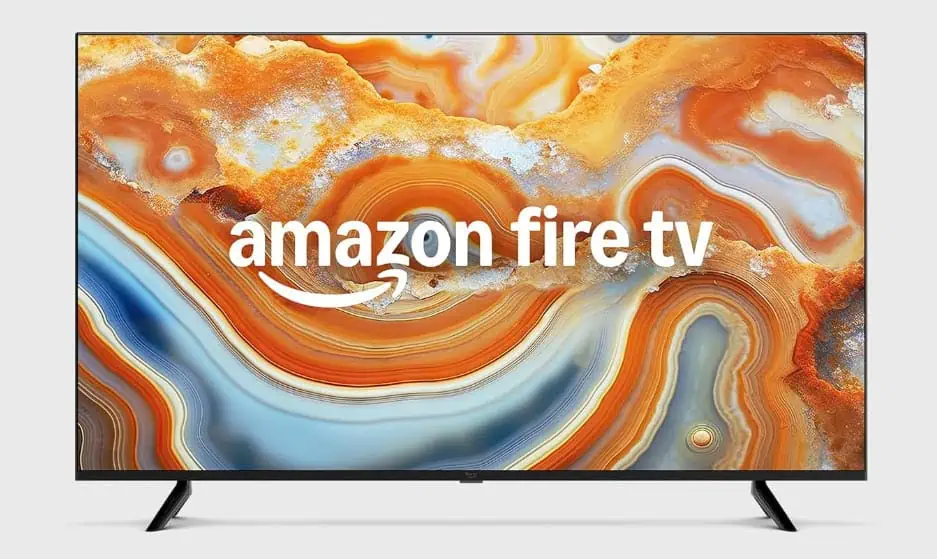
At 43 inches, this Fire TV 4-Series moves into living-room territory while remaining manageable for condos or bedrooms. The slim bezel keeps visual focus on the panel itself, and the Fire TV platform brings streaming apps, live TV options, and inputs together on a single home screen. For households already using Alexa devices, the voice remote quickly becomes part of regular viewing.
Resolution is the clear step up from smaller Full HD sets in this list. The 4K panel delivers noticeably finer detail, while HDR10 and HLG improve highlight brightness and colour depth in supported content. Movies and sports benefit most from that added clarity, and casual console gaming looks sharper compared to 1080p displays of similar size.
The Alexa Voice Remote Enhanced simplifies navigation. Voice search handles titles and app launches, and dedicated app buttons reduce menu browsing. Integration with other Alexa-enabled devices allows compatible smart home controls to be used directly through the TV interface, extending functionality beyond entertainment.
The panel supports up to 60 frames per second, so it is not aimed at competitive high-refresh gaming. The Fire TV interface also places heavy emphasis on content recommendations, which may not appeal to viewers who prefer a stripped-down layout. For streaming-focused homes comfortable within the Alexa ecosystem, it offers a clear upgrade in resolution and convenience.
Our Expert Opinion: “The Amazon Fire TV 43″ 4-Series UHD Smart TV is an accessible entry into 4K with strong smart integration. It’s great for viewers who want sharp details and already have Alexa devices.”
Customers Are Saying: “The picture quality is great on this TV. I bought it mainly for movies and sports, and it’s got great picture quality for that. It connects smoothly to my Wi-Fi, and the included voice remote was a really nice touch.”
Who is the Amazon Fire TV 43″ 4-Series 4K UHD Smart TV for?
- Those who are purchasing their first 4K TV. If you are shopping for a first 4K TV, this one will give you a great first experience.
- Living rooms or bedrooms that need a mid-sized screen. The mid-sized screen is great for smaller spaces, including smaller living rooms and bedrooms.
- Canadians that are more concerned with streaming. If your main concern with a TV is streaming shows and movies, this TV will work well.
Who should avoid the Amazon Fire TV 43″ 4-Series 4K UHD Smart TV?
- Users who prefer a simplified interface. The Amazon Fire interface may seem crowded or difficult to navigate for some.
Instead, choose… the LG 55-Inch UA7000 Series 4K Smart TV.
The LG UA7000 is a little bit better for high-motion media because of the way it processes pictures. It’s a larger main-room screen, with a 120 Hz panel that is enhanced for sports and gaming, as well as media with a lot of action and movement.
Features Breakdown
- Size Options: 43″, 55″
- Resolution: 4K
- Refresh Rate: 60 Hz
- Connectivity: HDMI, Ethernet, USB
- Dimensions: 96.5 x 56.6 x 9.1 cm
- Aspect Ratio: 16:9
- Special Feature: Enhanced Voice Remote, HDR10, UHD Features
- Mounting Type: Table Mount
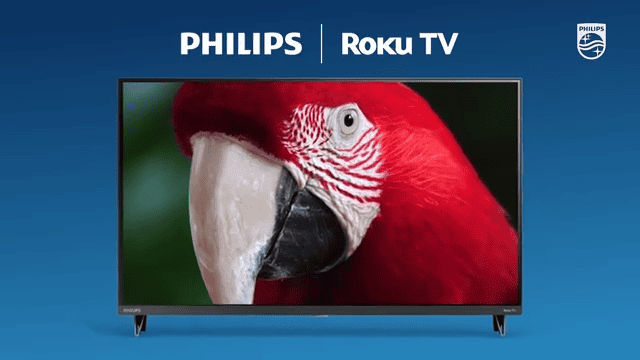
Best bedroom television in Canada: Philips Roku TV 32″ FHD
Pros:
- Automatic software updates over time
- Compatible with a lot of voice assistants via supported devices
- Dolby Audio support for clearer dialogue and fuller sound
- Roku TV support for free content, live TV, and apps
Cons:
- Size options limit viewing distance in larger rooms
The Details:
- Size Options: 32″, 40″, 43′
- Resolution: 1080p
- Refresh Rate: 60 Hz
- Connectivity: HDMI, USB
- Dimensions: 3.2 x 28.7 x 17.1 cm
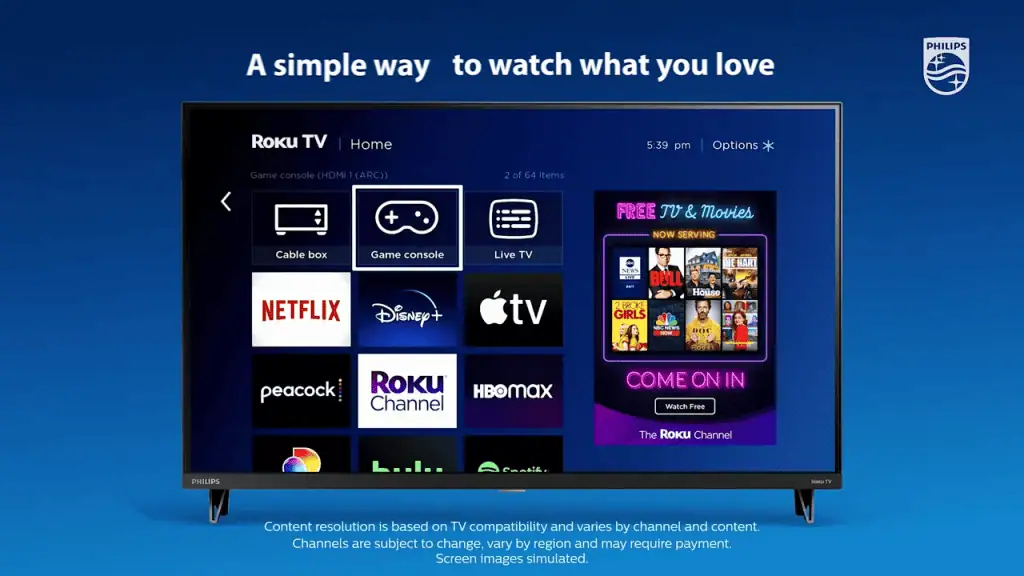
A 32-inch TV often lands in spaces where convenience and footprint matter more than scale. This Philips Roku model keeps its appeal centred on simplicity, placing streaming apps, live TV channels, and connected devices together on Roku’s familiar home screen. Setup is typically quick, and the layout avoids overwhelming users with layered menus.
At this size, 1080p resolution delivers clean detail without the need for 4K. Streaming shows and broadcast content look sharp, and Dolby Audio support adds more presence to dialogue and background sound than basic speakers alone. Free streaming options through The Roku Channel expand viewing choices without requiring immediate subscriptions.
Navigation is one of the platform’s stronger points. Search functions are direct, and the interface remains comparatively uncluttered. AirPlay support enables content sharing from compatible Apple devices, and the Roku mobile app can step in as a backup remote or private listening tool through headphones.
Scale is the primary limitation. A 32-inch display suits bedrooms or dorm rooms but will not anchor a larger living area. The 60 Hz refresh rate aligns with standard TV and casual gaming rather than higher-performance console play. For compact rooms where ease of use and integrated streaming take priority, it delivers a tidy, predictable experience.
Our Expert Opinion: “The Philips Roku TV 32″ FHD has an extremely approachable smart platform, especially for viewers who want quick access to their apps and channels. It works well in spaces where smaller screens are the norm.”
Customers Are Saying: “I got this TV because we needed an inexpensive TV for our bedroom. We only stream in there, so it was easy to set up and works well for our space. It’s just big enough so we can see it clearly.”
Who is the Philips Roku TV 32″ FHD for?
- Apple device users. Those who want to cast to their TV using AirPlay will love this TV.
- Canadians who want built-in free channel options. There are a lot of built-in free channel options for this TV.
- Those who prefer an uncomplicated smart TV layout. Though this is a Smart TV, the layout makes it easy to find exactly what you need without being too complicated.
Who should avoid the Philips Roku TV 32″ FHD?
- Users who need multiple HDMI ports. This TV doesn’t have enough HDMI ports to support a lot of extra devices.
Instead, choose… the FPD 40-Inch Smart TV.
The FPD 40-Inch Smart TV is a little bigger and comes in at a similar budget price point. It also has Google Assistant voice control, while keeping Full HD resolution and a size that is compact enough for bedrooms and dorms.
Features Breakdown
- Size Options: 32″, 40″, 43′
- Resolution: 1080p
- Refresh Rate: 60 Hz
- Connectivity: HDMI, USB
- Dimensions: 3.2 x 28.7 x 17.1 cm
- Aspect Ratio: 16:9
- Special Feature: Compatible with Apple AirPlay, Apple Home, Alexa, and Google Home
- Mounting Type: Table Mount
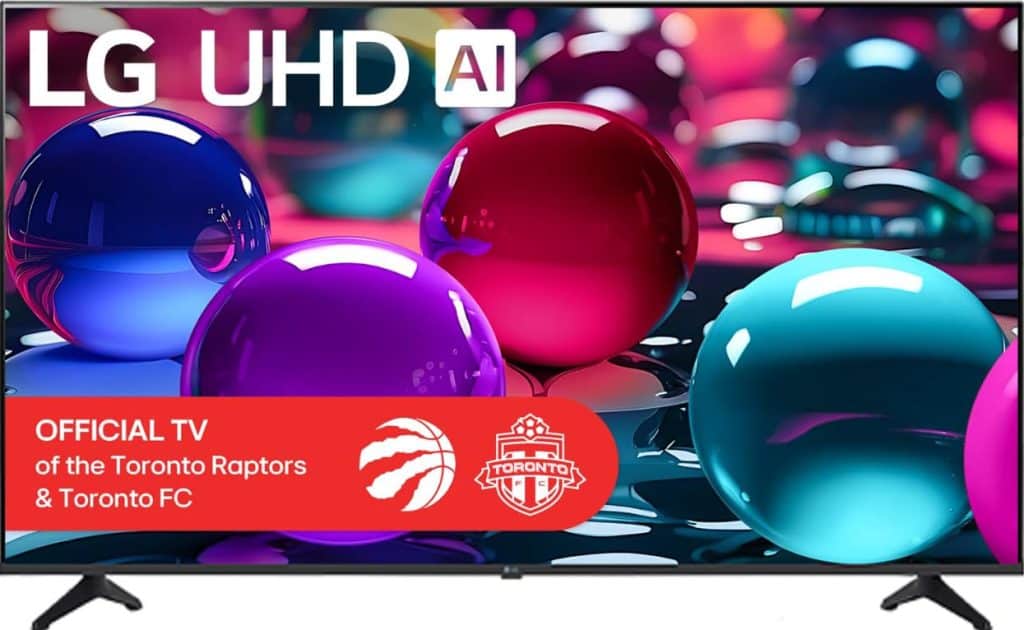
Best 55″ television in Canada: LG 55-Inch UA7000 Series 4K Smart TV
Pros:
- Large-panel 4K resolution for stunning details
- 120 Hz refresh rates smooth motion and frame rate
- LG Re:New Program offers up to 5 years of platform updates
- Dynamic Tone Mapping Pro and HDR10 Pro support
Cons:
- May be too large for compact spaces
The Details:
- Size Options: 43″, 50″, 55″, 65″, 75″, 86″
- Resolution: 4K
- Refresh Rate: 120 Hz
- Connectivity: Bluetooth, Wi-Fi
- Dimensions: 23 x 123.6 x 78 cm
At 55 inches, the LG UA7000 moves firmly into primary living room territory. The 4K panel paired with a 120 Hz refresh rate gives this model a clear technical step up from the smaller 1080p and 60 Hz sets in this list. Motion appears smoother during sports broadcasts and action-heavy scenes, which is noticeable on a screen of this size.
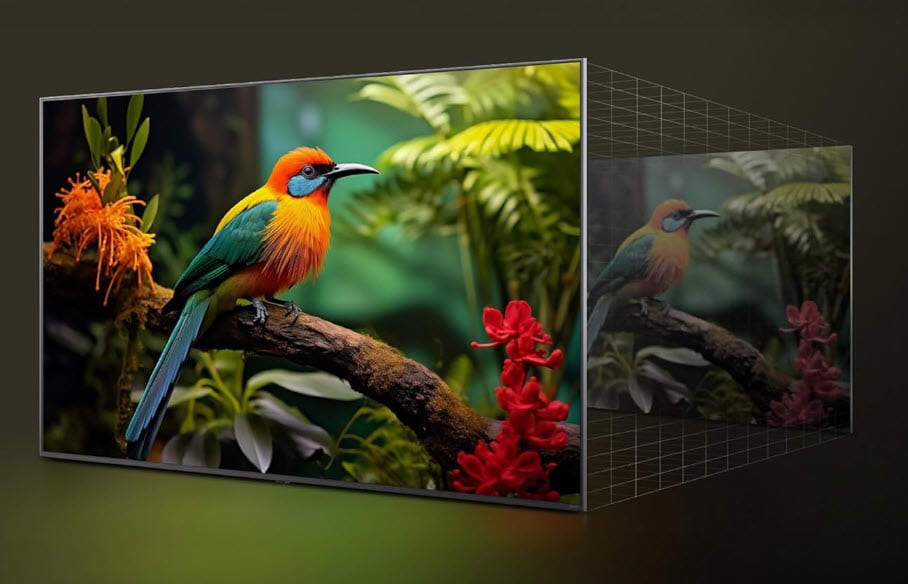
The α7 AI Processor Gen8 handles upscaling and audio processing behind the scenes. Standard HD content benefits from 4K upscaling that sharpens fine detail, while Dynamic Tone Mapping Pro adjusts contrast scene by scene. HDR10 Pro support enhances highlight brightness and colour depth in compatible content, adding dimensionality to films and streaming shows.
LG’s smart platform centralises streaming apps and adds personalised recommendations. Access to free internet-based channels expands viewing options without requiring additional hardware. The LG Re:New Program, which offers up to five years of platform updates, may appeal to buyers planning to keep their TV for an extended period.
Room size and connectivity are practical considerations. A 55-inch display needs adequate viewing distance to feel comfortable, and most of the smart features rely on steady Wi-Fi. For households focused on films, sports, and regular streaming on a larger screen, this model brings stronger motion handling and processing than entry-level options.
Our Expert Opinion: “The LG UA7000 Series stands out because of its higher frame rate, which can be great for gamers, sports fans, and those who watch a lot of action-related content.”
Customers Are Saying: “This might not be one of the highest-quality 4K TVs, but it’s still a solid TV. We’ve had a nice viewing experience so far with this TV, and the interface is really smooth.”
Who is the LG 55-Inch UA7000 Series 4K Smart TV for?
- Action fans and gamers. Action movies, games, and sports will look so much better with the 120 Hz frame rate for smooth, comfortable movement.
- Primary living room spaces. This is the perfect TV for your living room and other primary living spaces.
- Canadians who want to keep their TVs for several years. Five years of software updates make this TV an attractive option for those who want to keep it for several years.
Who should avoid the LG 55-Inch UA7000 Series 4K Smart TV?
- Those who need a TV for smaller rooms. If you’re looking to put this TV in a smaller room, you may want to choose one of the smaller size options.
Instead, choose… the Samsung 55-Inch QLED Q7F 4K Smart TV.
Extended OS support and better colour vibrancy make the Samsung a better choice for some Canadians. They are the same size, but the Samsung features Quantum Dot technology and long-term TIzen upgrades, giving it a little bit of an edge over the LG.
Features Breakdown
- Size Options: 43″, 50″, 55″, 65″, 75″, 86″
- Resolution: 4K
- Refresh Rate: 120 Hz
- Connectivity: Bluetooth, Wi-Fi
- Dimensions: 23 x 123.6 x 78 cm
- Aspect Ratio: 16:9
- Special Feature: AI Upscaling, AI Sound, Dynamic Tone Mapping Pro
- Mounting Type: Table Mount
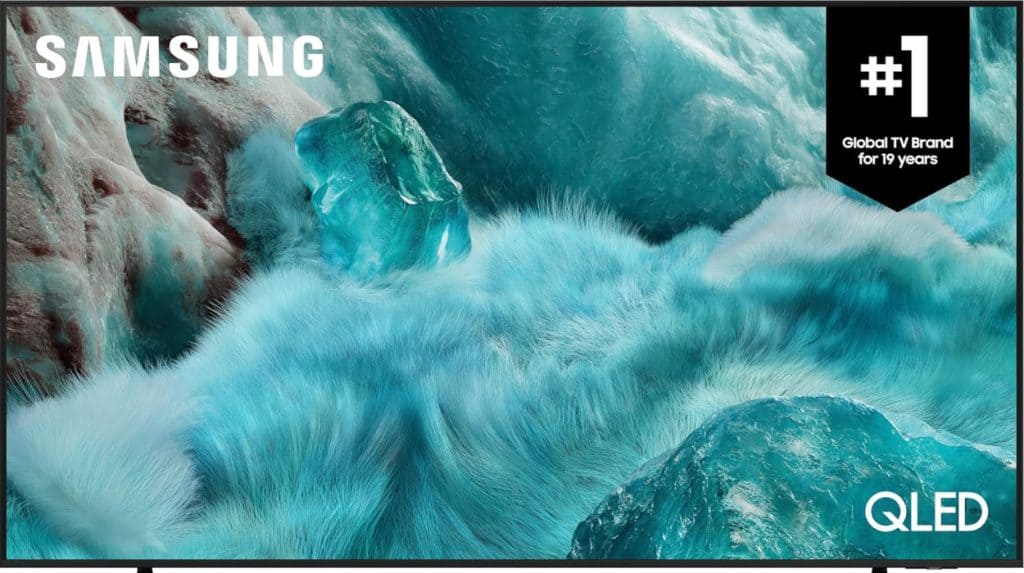
Best colour television in Canada: Samsung 55-Inch QLED Q7F 4K Smart TV
Pros:
- Slim three-sized bezel design
- Quantum Dot colour technology for more vibrant images
- Solar-powered remote control included
- Up to 7 years of OS upgrades with Tizen
Cons:
- 60 Hz refresh rates limit higher frame rates
The Details:
- Size Options: 32″, 43″, 50″, 55″, 65″, 75″, 85″, 98″
- Resolution: 4K
- Refresh Rate: 60 Hz
- Connectivity: Bluetooth, USB, Wireless, HDMI
- Dimensions: 6 x 123.4 x 71.1 cm
The Samsung 55-Inch QLED Q7F positions itself around colour performance and long-term platform support. Its Quantum Dot panel is the defining element, delivering vibrant tones with strong brightness retention across different lighting conditions. In a living room setting, the 55-inch format provides scale without moving into oversized territory.
Picture and sound adjustments are handled by Samsung’s Q4 AI Processor. Upscaling refines lower-resolution content for 4K viewing, while Colour Booster Pro adjusts tones dynamically to enhance scene depth. Motion Xcelerator works within a 60 Hz framework to keep sports and fast-paced scenes clearer than standard motion processing alone.
The smart platform is another focal point. One UI Tizen offers a personalised home screen, and the commitment to extended OS upgrades may appeal to buyers who keep televisions for many years. Gaming Hub groups console inputs, cloud gaming, and app-based titles in one location, and Chromecast support simplifies casting from compatible devices. The included solar-powered remote adds a practical touch for everyday use.
Performance boundaries remain typical for a 60 Hz panel. Competitive players looking for higher refresh rates will need to look beyond this tier. The broader experience also depends on the services and apps you subscribe to. For viewers prioritising colour vibrancy, refined smart features, and longer software support in a 55-inch class, this model offers a clear identity within the lineup.
Our Expert Opinion: “The Samsung 55-Inch QLED Q7F 4K Smart TV has extended software support and Quantum Dot technology on its side. For those who stream regularly and aren’t worried about high frame rate gaming, this TV will work well.”
Customers Are Saying: “The quality of this TV is so sharp and vibrant. The contrast and definition are superior to some of our other TVs, especially the less expensive models we’ve purchased for other rooms.”
Who is the Samsung 55-Inch QLED Q7F 4K Smart TV for?
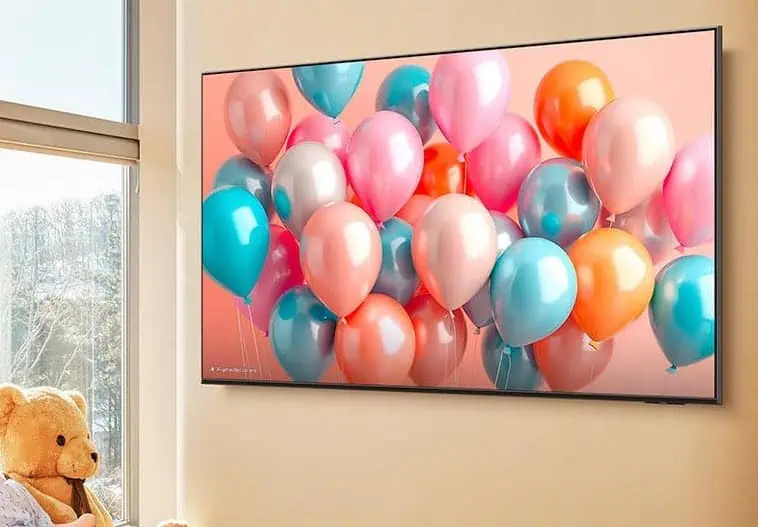
- Those who value colour-rich displays. Quantum Dot colour technology makes this TV panel vibrant and beautiful through all media.
- Larger living room or den spaces. Larger spaces, such as primary living rooms, work well with such large TVs.
- Households that plan to keep their TV for a long time. The 7 years of software updates through the Tizen UI make this a good TV for the long haul.
Who should avoid the Samsung 55-Inch QLED Q7F 4K Smart TV?
- Compact rooms. If you are buying a TV for a bedroom or dorm, this might be too big to view properly.
Instead, choose… the LG 55-Inch UA7000 Series 4K Smart TV.
Though the Samsung TV has a great colour profile and advanced processing, the LG UA7000 offers a 120 Hz refresh rate that makes motion-heavy media much more enjoyable to watch. Motion is smoother and more comfortable as a result.
Features Breakdown
- Size Options: 32″, 43″, 50″, 55″, 65″, 75″, 85″, 98″
- Resolution: 4K
- Refresh Rate: 60 Hz
- Connectivity: Bluetooth, USB, Wireless, HDMI
- Dimensions: 6 x 123.4 x 71.1 cm
- Aspect Ratio: 16:9
- Special Feature: Chromecast
- Mounting Type: Table Mount
Frequently Asked Questions
Many modern TVs can last up to 10 years, but smart TV features can make this a little more complicated. Some TV companies end software updates and support after 5-7 years, making it more difficult to use your Smart TV after that time has passed.
Picture quality issues and Wi-Fi issues are some of the most common problems with modern TVs. Both can be troubleshooted based on your TV model, but making sure your Wi-Fi network is set up for a TV or other streaming device is the best way to get started.
A smart TV is a great buy if you’re looking for streaming features, particularly built-in apps that allow you to access your favourite services without purchasing an external device. A regular TV is less complicated, but it doesn’t stream content as seamlessly as a smart TV.
How important is smart TV software compared to picture quality when choosing a television?
Picture quality generally matters more, since that affects every show or movie you watch. Smart TV software mainly impacts convenience, and you can usually work around it with a streaming device if needed. Most people are happier prioritizing display performance first.
This helped me think about what I actually want from a television instead of just chasing the newest model. The limitations and strengths feel realistically presented.
I like that sound quality is mentioned. Built-in audio can make a big difference if you don’t have a soundbar.
I’ve been shopping for a new television and realized how easy it is to focus only on size. The way this article explains panel technology and viewing conditions adds helpful context.